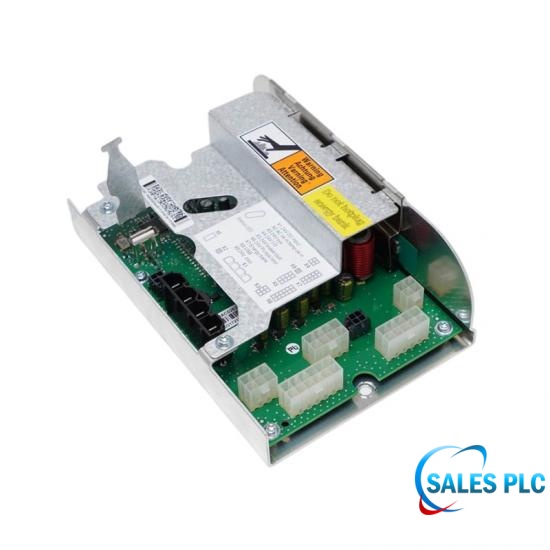
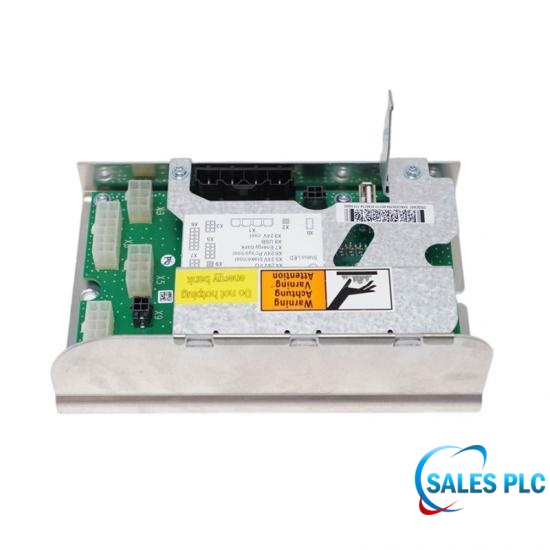
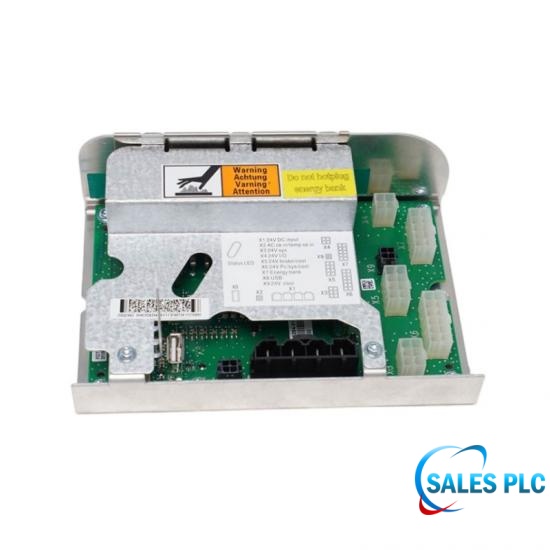
DSQC662
Power Distribution Unit · 3HAC026254-001 · IRC5 controller
Lifecycle note: Distinguish this PDU from the DSQC 661 supply. Preserve the controller configuration and account for stored backup energy before service.
ItemNO:
3HAC026254-001Product Condition
Original New with One Year WarrantyParts Available
In Stock and Same Day ShippingDelivery Mode
Shipping via DHL Fedex or UPS etcEmail:
info@amikon.cnWhatsapp/Mob:
+86 18020776786Power Distribution Unit · IRC5
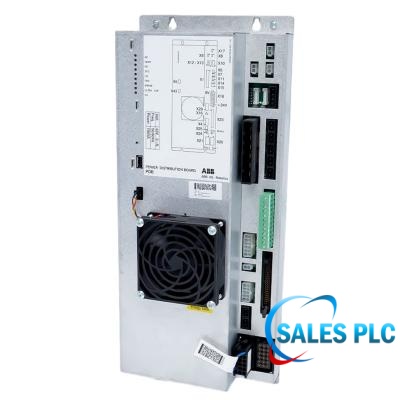
ABB DSQC662, order 3HAC026254-001, is the power distribution unit listed for the IRC5 robot controller. It belongs to the controller power-distribution system and must be distinguished from the separate DSQC 661 system power supply. The exact PDU identity and installed cabinet configuration are the basis for replacement selection.
ABB troubleshooting instructions identify X1 as the DC input, X2 as the ACOK_N connection and USB as the communication path to the computer. The specified service checks use 24 V < U < 27 V and require a 0.5–1 A minimum load on at least one output. These diagnostic conditions must not be presented as an AC-input rating or a maximum output-current specification.
For commissioning, service and MRO acceptance, capture FlexPendant messages and Status LED behavior in run-time mode, preserve the cabinet cable identification and check the upstream supply before replacing the PDU. ABB notes that a red LED can remain after AC removal while the backup energy bank discharges. Qualified personnel must follow the controller isolation and stored-energy precautions, then verify the restored system rather than judging a spare solely from an unloaded bench test.
| Manufacturer | ABB |
|---|---|
| Model | DSQC662 (DSQC 662) |
| Order number | 3HAC026254-001 |
| Module type | Power distribution unit (PDU) |
| Controller family | IRC5 robot controller |
| Upstream system supply | DSQC 661; a separate unit, not an interchangeable PDU |
| DC input diagnostic range | 24 V < U < 27 V (manual service-check limits) |
| DC output diagnostic range | 24 V < U < 27 V (under the specified load condition) |
| Minimum test load | 0.5–1 A on at least one output; not the maximum rated current |
| Run-time check preparation | Wait 1 minute after power-on before interpreting run-time indications |
| Computer communication | USB; pulsing green Status LED indicates a communication error |
| DC input connector | X1 |
| Supply status connector / level | X2, ACOK_N; expected diagnostic level 0 V |
| Status indication | Green: normal; red / pulsing red: voltage or ACOK_N check; pulsing red-green: firmware-upgrade error |
Distinguish the PDU from the upstream system supply. Preserve cabinet wiring and evaluate stored backup energy before intervention; verify loaded operation after an approved replacement.
ABB requires at least one connected load, specifying a minimum of 0.5–1 A on one output for proper operation during the diagnostic check. A supplier should record the applied load and measured outputs in its test report. This minimum-load condition does not establish the maximum current rating.
The manual assigns pulsing green to a USB communication error. Check the cable connection at the PDU and computer according to the approved service procedure before treating the indication as a failed DC rail. Record whether communication and normal indication return after the connection issue is resolved.
ABB states that the Status LED can remain red until the UltraCAP backup energy is depleted, and that this behavior can be normal. The LED alone is not a safe-isolation indicator. Observe the controller stored-energy precautions and prove the required isolation before touching internal connections.
The troubleshooting preparation calls for waiting one minute after power-on so that the power distribution board is in run-time mode. Record startup and steady-state behavior separately, together with FlexPendant warnings; a transient indication should not be automatically recorded as a persistent operating fault.
The documented diagnostic expectation is 0 V on ACOK_N, alongside a DC input between 24 V and 27 V at X1. A red indication can be associated with an elevated ACOK_N signal as well as low input or output voltage. Check both connections against the cabinet circuit diagram instead of considering the DC reading alone.
Pulsing red-green is identified as a firmware-upgrade error and is not expected in run-time mode. Pulsing red, by contrast, directs attention to one or more low DC outputs and their connections. Keep these indications distinct in the service ticket; do not perform an undocumented firmware change to clear a symptom.
ABB lists 3HAC026254-001 as DSQC 662, the power distribution unit, while DSQC 661 is the separate system power supply. Where the PDU input is absent or incorrect, the troubleshooting route includes checking DSQC 661. A precise purchase description helps prevent ordering the upstream supply when the PDU is required, or the reverse.
No. ABB identifies either a defective unit or insufficient input voltage as possible causes. An MRO disposition should include the input, ACOK_N and loaded-output check results obtained by qualified personnel. Retain those findings with the exact 3HAC026254-001 unit identity so a supply or cabling fault is not misclassified as a failed spare.
Send the model, complete part number, quantity, destination and nameplate photo. We will verify identification details before confirming availability and lead time.
Manufacturer reference: ABB Operating manual - Trouble shooting, IRC5, 3HAC020738-001 Revision K, printed pages 62–64. Four-page file with Sales PLC cover, below 1 MB. Diagnostic limits are not general operating ratings.
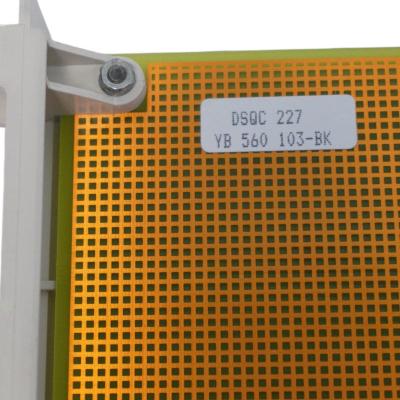
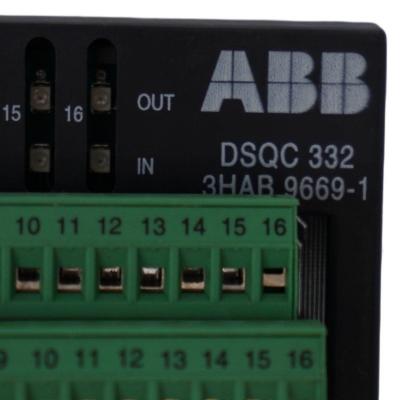
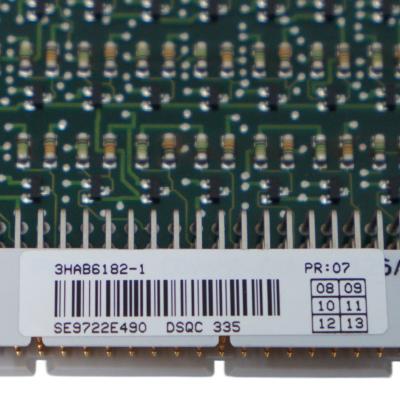


Visit us
32D Guomao Building, No.388, Hubin South Road, Siming District
Please read on, stay posted, subscribe, and we welcome you to tell us what you think.
Disclaimer : Salesplcauto sells new and surplus products and develops channels for purchasing such products. This website has not been approved or recognized by any of the listed manufacturers or trademarks. Salesplcauto is not an authorized distributor, dealer, or representative of the products displayed on this website. All product names, trademarks, brands, and logos used on this website are the property of their respective owners. The description, explanation, or sale of products with these names, trademarks, brands, and logos is for identification purposes only and is not intended to indicate any association with or authorization from any rights holder.
Copyright @2026 SalesPlc Limited. Sitemap
/ Blog
/ XML
/ Terms And Conditions
/ Privacy Policy
 Network Supported


About Us
Reliable Industrial Automation Parts, Global Supply Support SALES PLC works with a broad network of qualified suppliers to provide industrial automation components that meet our customers’ requirements for quality, availability, price, and delivery time. Our product portfolio covers PLC, DCS, HMI, control systems, safety systems, drives, communication modules, and other critical spare parts from leading brands, including Siemens, Emerson, Invensys Triconex, HIMA, GE, ABB, Honeywell, and Bently Nevada. More Than Products — Complete Supply Solutions Our strength goes beyond product sourcing. We work closely with end users, system integrators, maintenance teams, and industrial partners to identify suitable replacement parts and practical procurement solutions. Through integrated purchasing and online support, customers can send inquiries and place orders throughout the year. Our experienced team responds quickly and helps reduce downtime caused by unavailable or obsolete equipment. Our Team Our experienced team brings together product specialists, sourcing professionals, sales consultants, and customer service staff. We work together to provide clear communication and dependable support at every stage of the order. Growing Together for More Than 20 Years For more than 20 years, SALES PLC has continued to grow with the support and trust of customers, suppliers, and business partners around the world. Every project, inquiry, and partnership has helped us improve our service. Looking ahead, we remain committed to providing dependable products, responsive communication, and professional industrial automation solutions. Thank you to every customer and partner who has supported our journey. We look forward to building a stronger and more successful future together. Sustainable Partnerships SALES PLC believes in building long-term, mutually beneficial relationships with customers and suppliers. We focus on honest communication, responsible sourcing, continuous improvement, and reliable service. As industrial technology continues to evolve, we keep expanding our product knowledge and supplier network to support new systems, legacy equipment, and replacement-part requirements. Contact SALES PLC Our team is available during working hours to answer your questions, check product availability, and prepare a quotation.
Where to Find Us
 32D Guomao Building, No.388, Hubin South Road, Siming District
 +86 18150117685
 sales1@amikon.cn
Follow Us